FEATURES
Powered by Dual Intelligence
From quick daily calculations to advanced math — Calculator adapts to your needs and flows naturally into your whiteboard workflow.
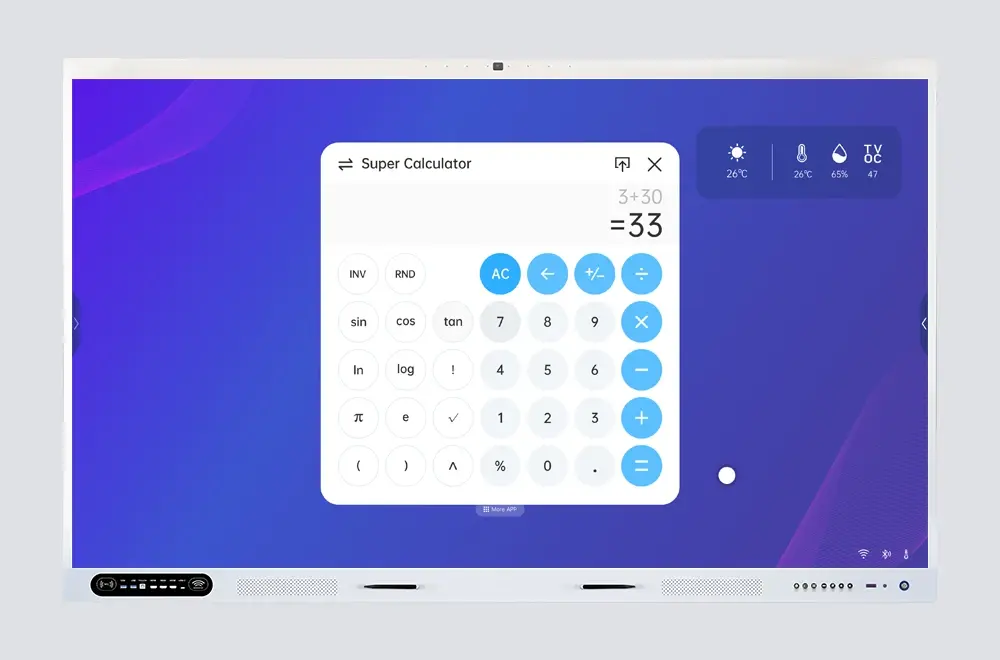
Super Calculator
Advanced Functions, Instant Access
Trigonometry, logarithms, exponents, and function graphing — with one tap you're in Super mode. Your input stays intact when switching back and forth.
- Trigonometric & inverse — sin, cos, tan and more
- Logs, exponents, roots — log, ln, power, and square root
- Function graphing — visualize equations on screen
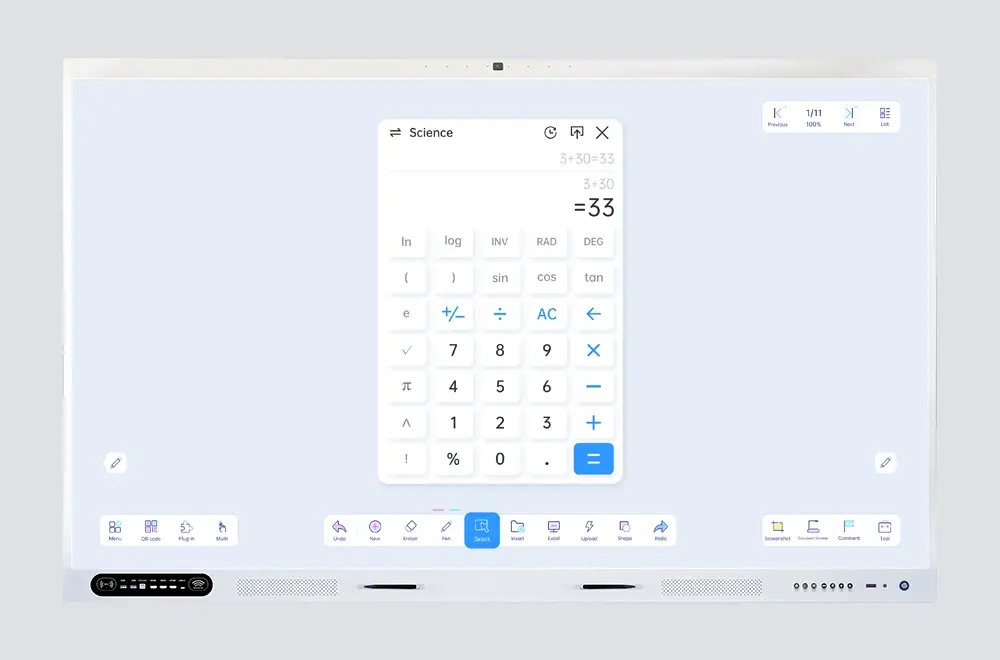
Normal Calculator
Everyday Math, No Friction
Quick arithmetic, percentages, and memory functions in a clean touch-friendly layout. Large buttons designed for fast tap input on interactive displays.
- Basic arithmetic — add, subtract, multiply, divide
- Percentages & memory — M+/M-/MR/MC included
- Touch-optimized — big buttons, minimal clutter
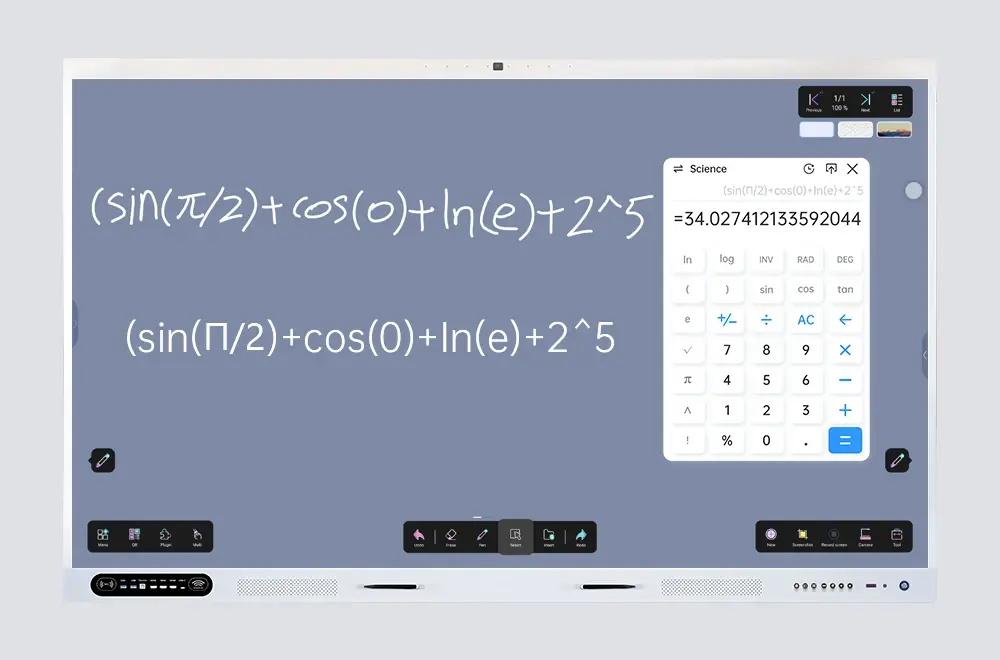
Insert & Share
Calculate, Insert, Review
Tap to send results straight to the whiteboard, then annotate or explain. Every calculation is saved in history — export to UFile or share via QR.
- One-tap insert — results appear instantly on the whiteboard
- Calculation history — review, reuse, or export past results
- Export & share — save to UFile or share via email/QR