FEATURES
Built for Every Lesson
From classroom playback to self-paced review — UPlay gives you complete control over your video content.
Play Any File
Bring Any Video to Class
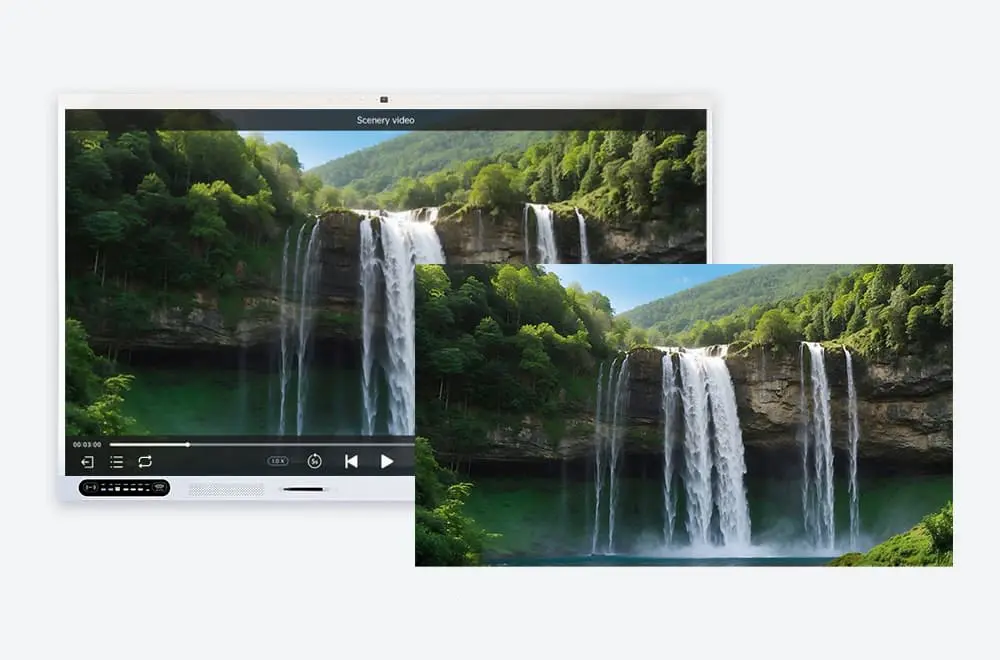
Plug in a USB drive and play. Common formats work out of the box, 4K runs smoothly, and subtitles overlay without a fuss.
- Common formats, no conversion
- 4K smooth playback
- Subtitle support
Match Your Pace
Slow Down or Speed Up
Slow to 0.5x when students need a closer look. Speed to 2x or 4x for quick reviews. Pitch stays natural, no matter the speed.
- 0.5x for detail → 2x for review → 4x for skimming
- Natural pitch at any speed
- Adjust on the fly, no pause
Line Up Your Clips
Playlist for Multi-Video Lessons
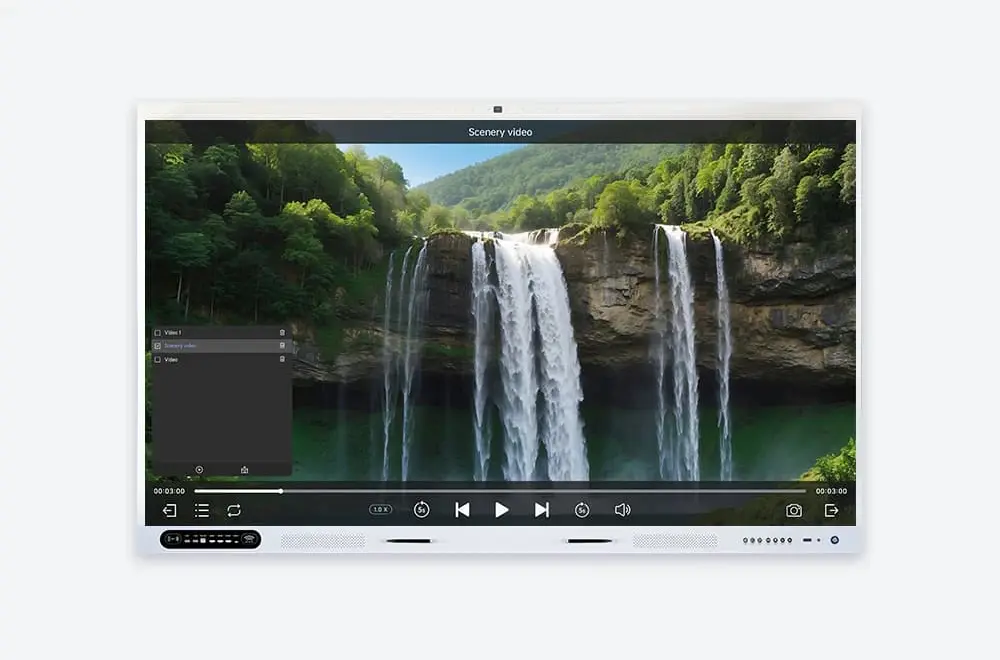
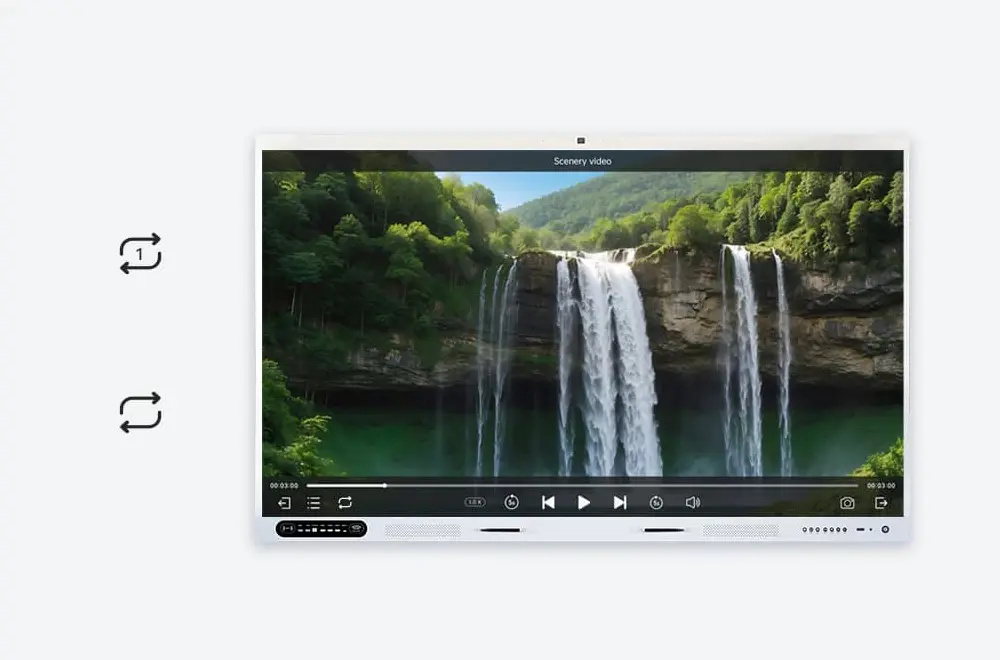
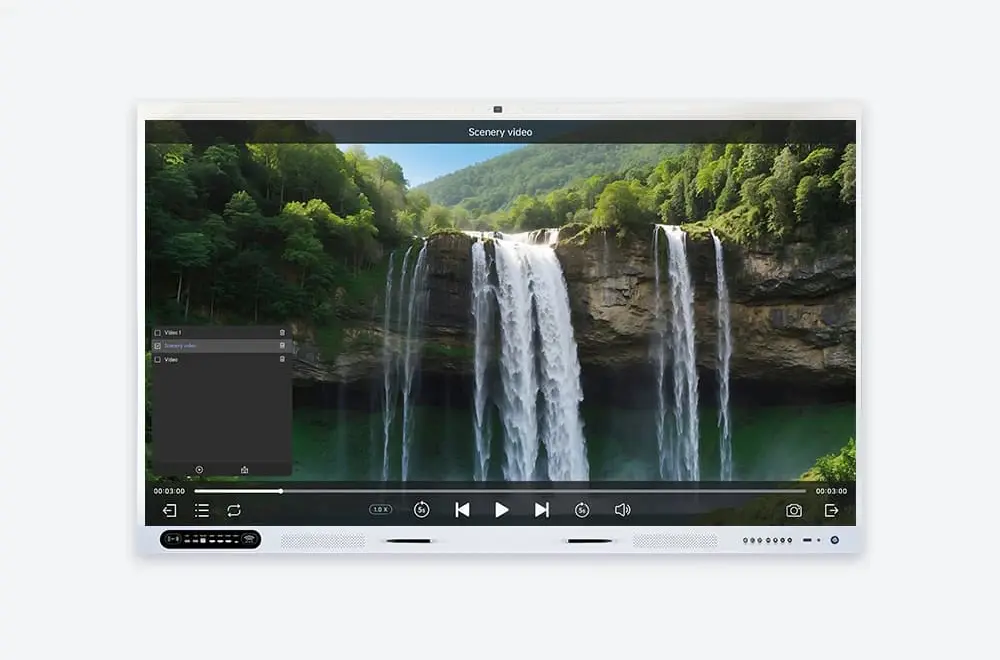
Queue multiple videos, drag to reorder, set auto-play or loop. One lesson, one playlist — no tabbing between files.
- Drag-and-drop reorder
- Auto-play & loop modes
- Save sessions for later
Capture the Moment
Screenshot Key Frames Instantly
See a useful frame? Tap to capture. It saves to UFile automatically — ready to share as handouts after class.
- One tap → one frame saved to UFile
- Auto-organize by session and topic
- Share as handouts after class via link or QR