Seven Domains, One Control Hub
From display preferences to fleet-wide OTA deployment — every system settings domain flows through a unified, intuitive Daisy OS settings architecture.
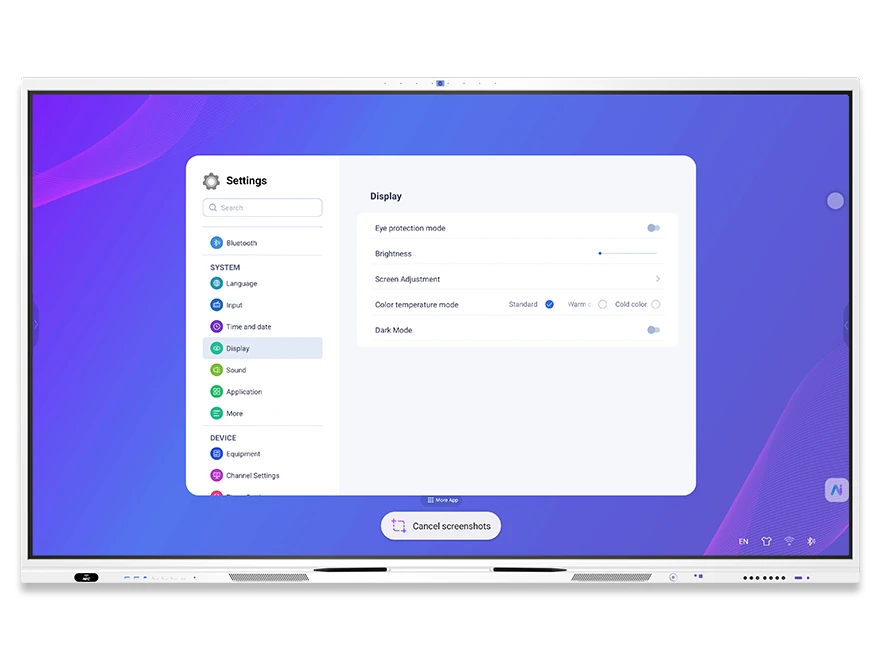
Display & Personalization Settings
Fine-tune the visual experience of every interactive display: brightness, color temperature, dark mode, eye-care mode, wallpaper, and system language — all accessible from a single panel.
- Eye-care mode & color temperature — reduce eye strain during extended classroom or meeting sessions
- Dark mode & brightness — adapt to any ambient lighting condition
- Language & input method — Sogou Keyboard + Gboard, OEM-customizable language packs
- Wallpaper & boot animation — brand-customizable startup logo and animation
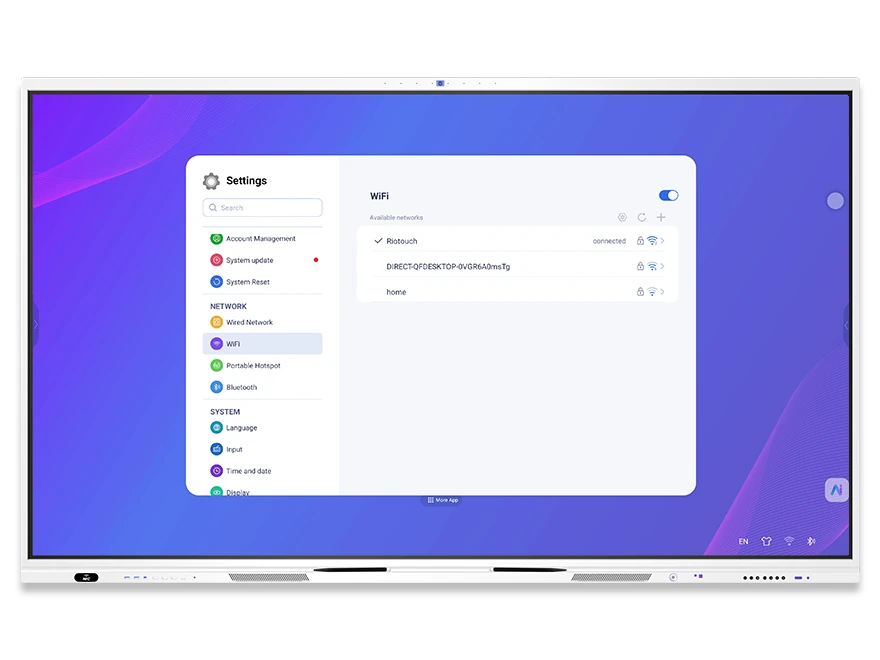
Network & Connectivity Settings
Configure wired and wireless connections, manage Bluetooth peripherals, and set up portable hotspots — ensuring every device stays connected in any deployment scenario.
- Wired Ethernet (NCE) — view and configure static/dynamic IP addresses
- Wi-Fi configuration — connect to school or enterprise wireless networks
- Portable hotspot — share internet connectivity with nearby devices
- Bluetooth (PDA) — pair speakers, keyboards, and peripherals
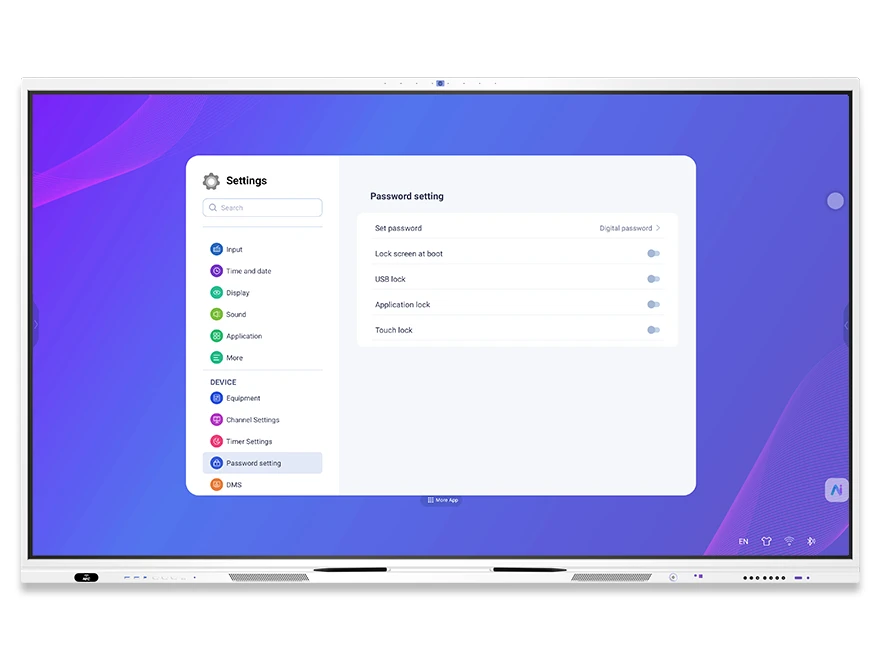
Security & Access Control Settings
Multi-layer security architecture protects devices from unauthorized access. Password-protect boot, lock USB ports, restrict specific apps, disable touch input, and manage user authentication via fingerprint or NFC.
- Boot lock screen — password required on startup to prevent unauthorized use
- USB lock — block unrecognized USB drives to prevent data leaks
- App lock & touch lock — restrict specific applications or disable touch input entirely
- Fingerprint & NFC authentication — tap to switch user, load personal courseware and settings
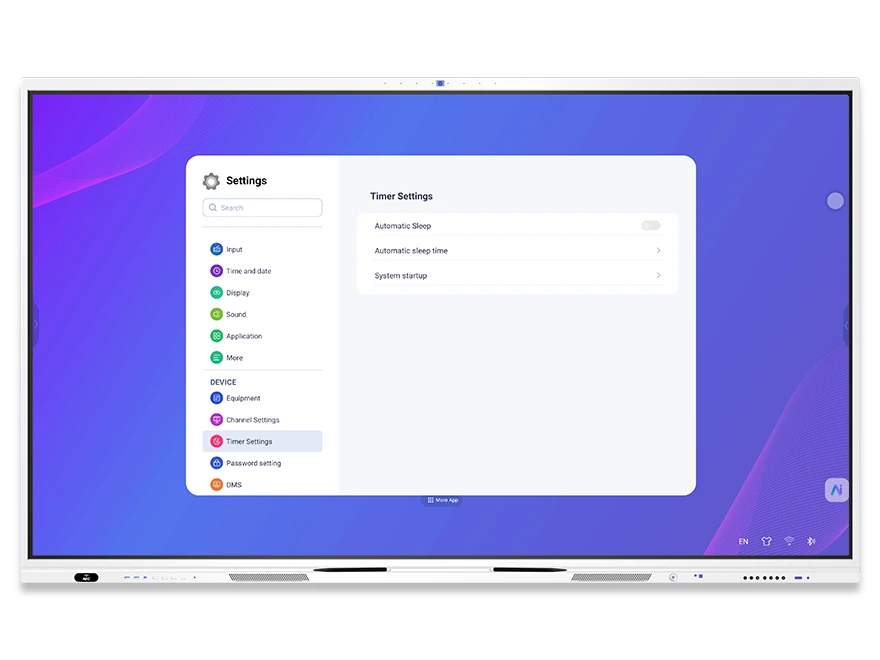
Device Management & Power Control
Configure power-on behavior, manage sleep and standby modes, set scheduled power on/off, and define default signal channels. Complete lifecycle control for every interactive display in your fleet.
- Timed power on/off — automate daily startup and shutdown for classrooms or meeting rooms
- Sleep mode & auto-sleep — save energy when devices are idle
- Power-on channel — set default signal source (HDMI, VGA, OPS) on boot
- No-signal behavior — blue screen, auto-return, or standby configuration
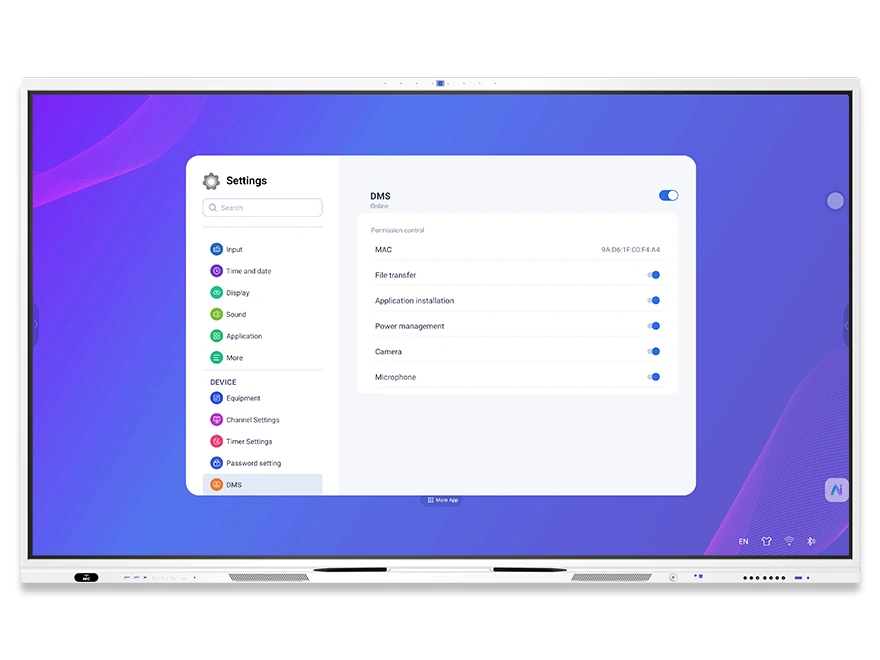
DMS Remote Device Management
Remotely control individual devices or entire groups from the cloud DMS platform. Execute shutdown, restart, lock, unlock, brightness and volume adjustment, signal source switching, message broadcasting, and real-time classroom monitoring — no on-site visits required.
- Remote power & screen control — shutdown, restart, wake-on-LAN, lock/unlock, child lock
- Parameter adjustment — backlight, volume, signal source, language, timed power on/off
- Group control — group by city, school, or grade; send commands and messages in bulk
- Real-time monitoring — live screen capture, classroom activity pictures, and audio monitoring
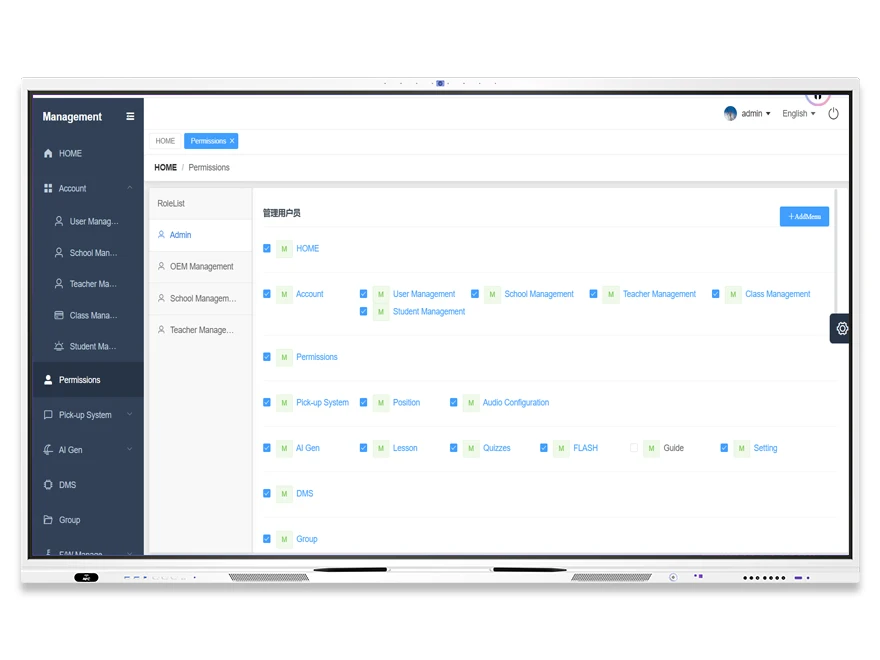
Cloud Account & Permission Settings
A hierarchical 5-level account system ensures every stakeholder — from cloud administrators to students and parents — has precisely the right access. Manage users, schools, teachers, classes, and students with granular role-based permission controls.
- Cloud Admin (Level 1) — full system management, user/device control, OEM account creation
- OEM/Brand Admin (Level 2) — firmware & OTA management, app store, device grouping, sub-accounts
- School Admin (Level 3) — upload teaching resources, device control, message sending
- Teacher (Level 4) & Student/Parent (Level 5) — courseware editing, test results, class video reviews
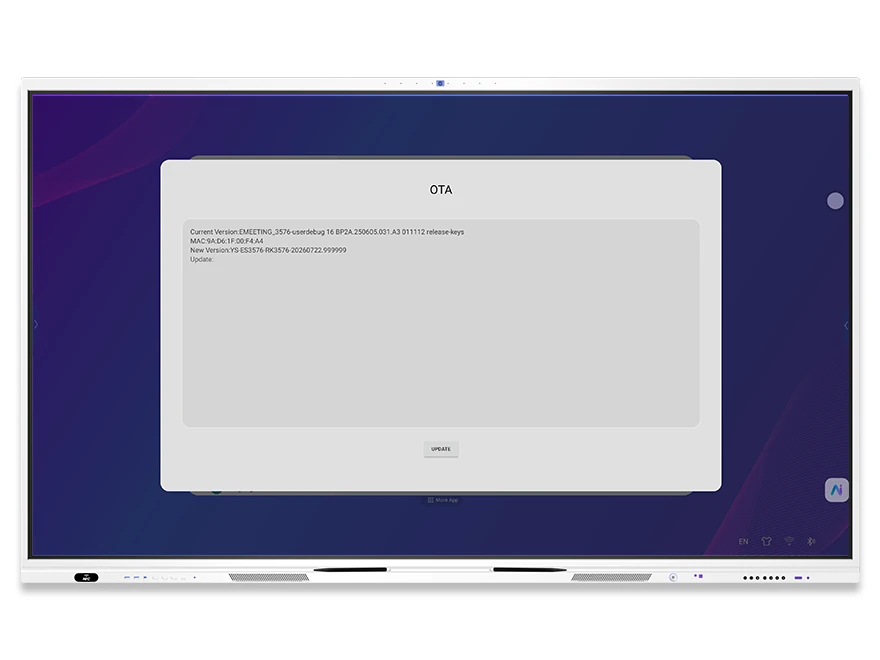
OTA Updates & System Maintenance
Keep every device current with seamless over-the-air firmware updates. Manage local and online upgrades, factory reset when needed, and track system logs — all from the Settings panel or cloud DMS platform.
- OTA online update — one-click firmware upgrade with version notification
- Local upgrade — update via USB or local package for offline deployments
- Factory reset — clear all data and restore to default settings
- System logs — operation commands, login logs, and system event tracking for audit and troubleshooting