Designed for Every Display
From one-tap lock to black-screen writing and homework — UFreez turns every interactive display into a secure, focused, classroom-ready tool.
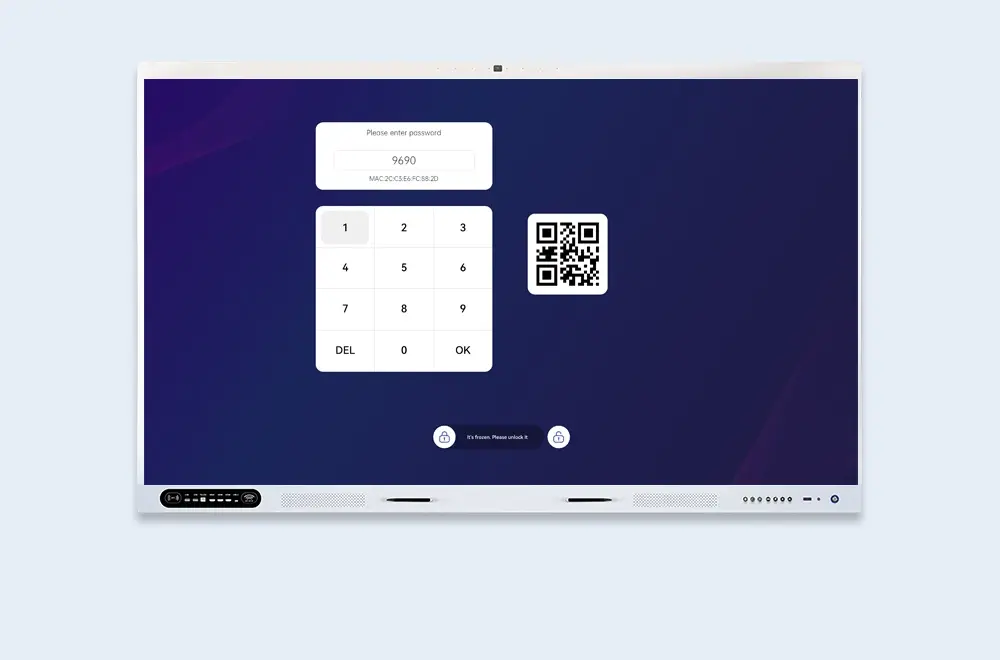
One-Tap Screen Lock
From any screen, lock instantly via shortcut key or the notification bar — protecting your current work and privacy in a single tap.
- Shortcut — instant lock from notification bar
- One-tap — lock anytime, anywhere
- Privacy — protect your work instantly
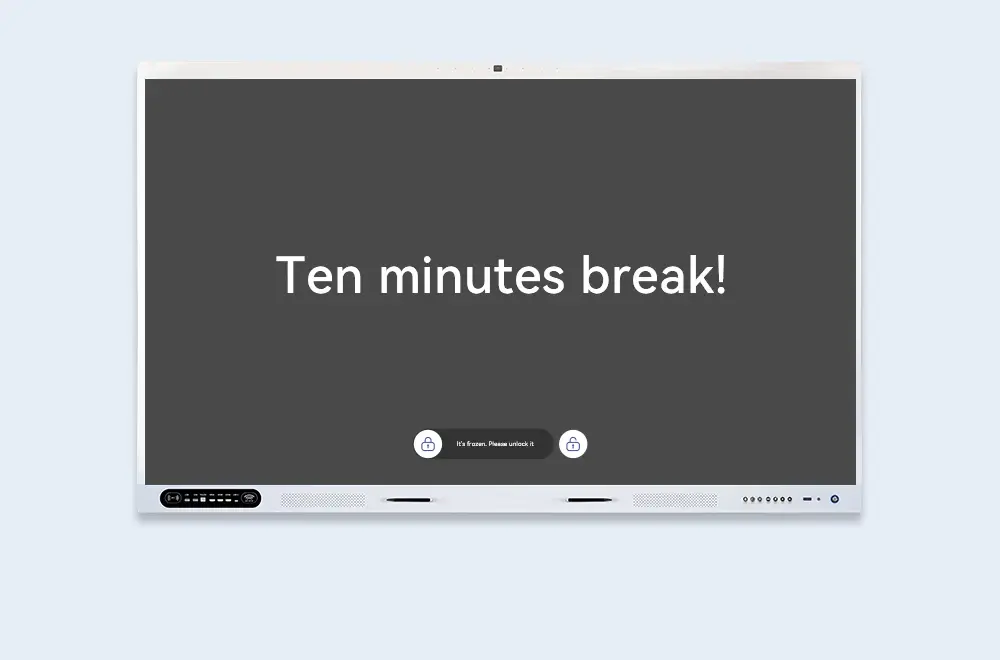
Auto-Lock After Idle
Set a custom idle timeout and UFreez locks the screen automatically — no manual action needed, keeping the shared display secure when left unattended.
- Custom timeout — set your own idle duration
- Auto-activate — locks when idle, no action needed
- Zero friction — security without interrupting your flow
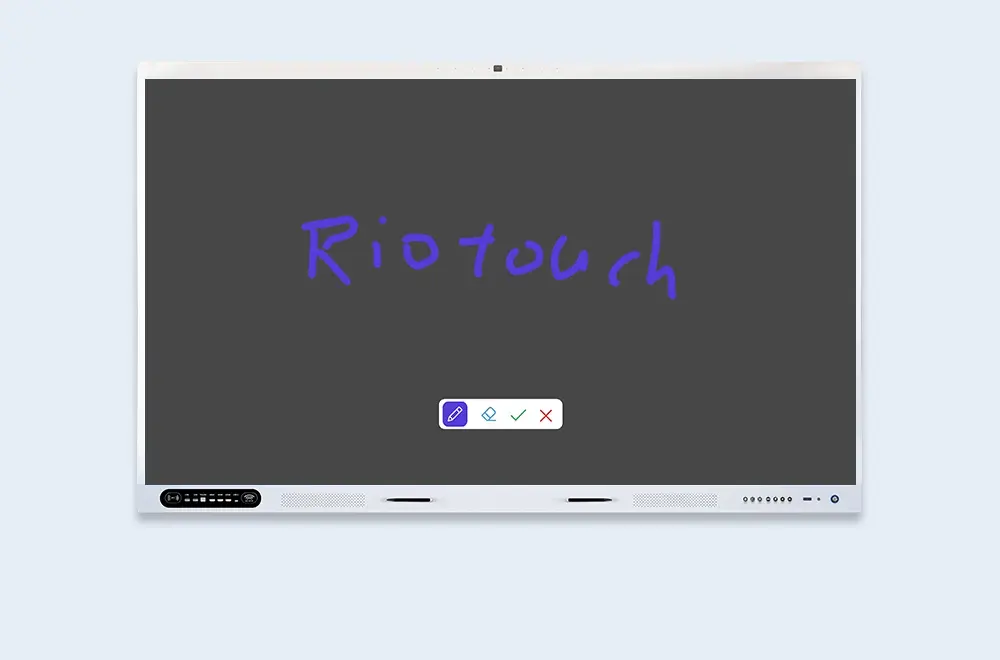
Black Screen Writing Mode
Switch the display to a fully black state and write on it like a traditional blackboard — backlight off, stylus on. Save energy, cut glare, and keep every eye on your content.
- Full black state — screen goes dark, stylus still writes
- Energy-saving — backlight off while you teach
- Focus — no distraction, just your writing
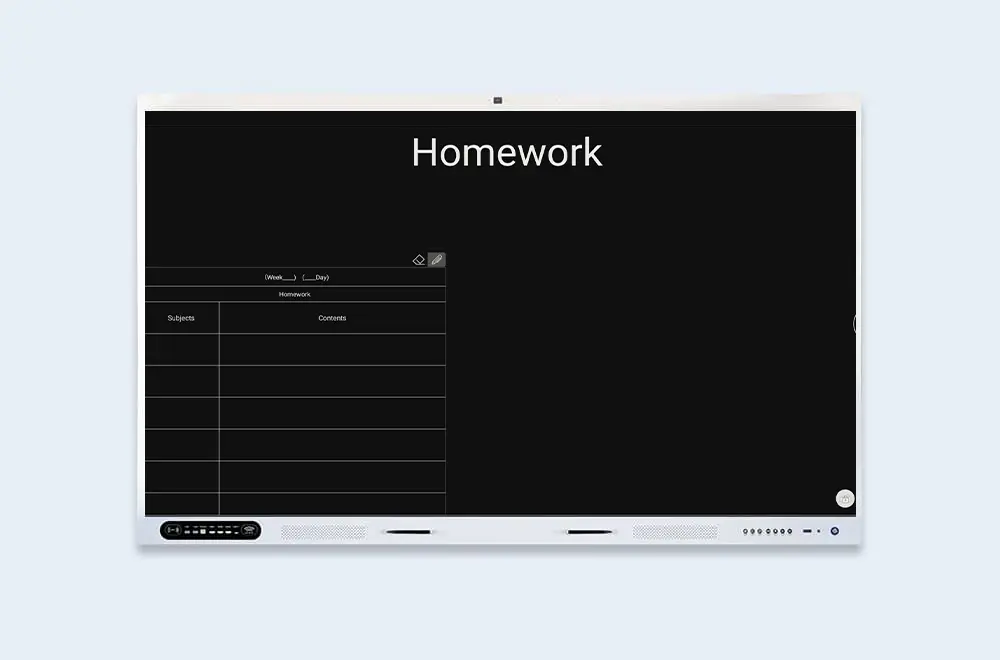
Black Screen Homework Board
A clean white input form appears on the black screen — type the day's homework assignments by hand, then display or export them for students to copy down.
- White form on black — high-contrast, easy to read
- Manual input — type assignments directly
- Display or export — share with the whole class