FEATURES
Designed for Every Session
From quick browsing to shared handouts — UPicture turns every image into a manageable, shareable asset.
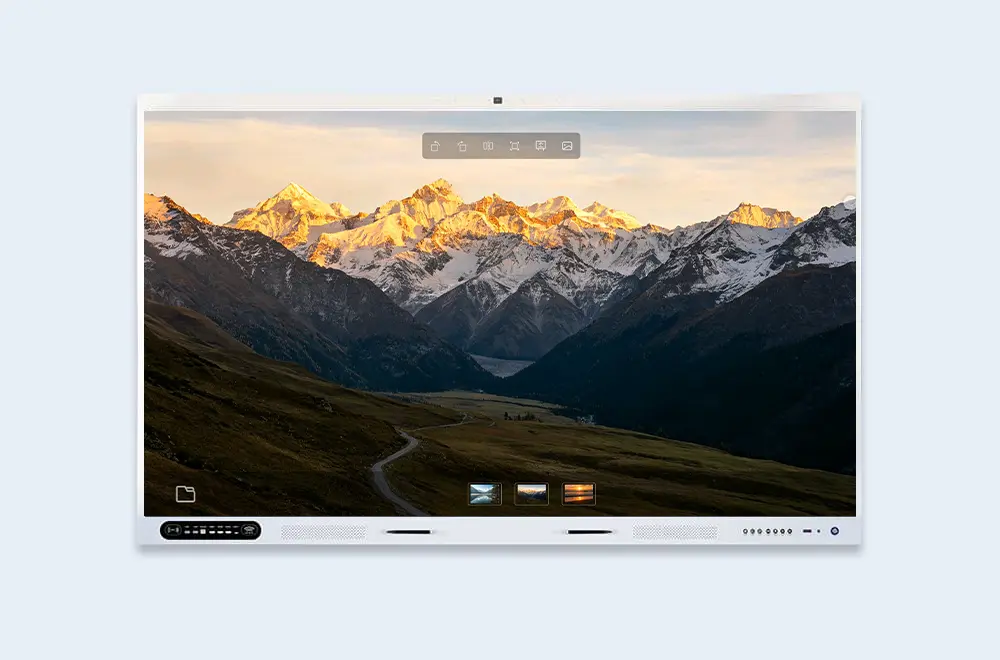
Viewing
Smart Image Browsing
Browse images with multi-page support, smooth zoom & pan. Thumbnail navigation lets you jump between images quickly.
- Multi-page support — flip through documents naturally
- Smooth zoom & pan — inspect every detail
- Thumbnail navigation — jump to any image quickly
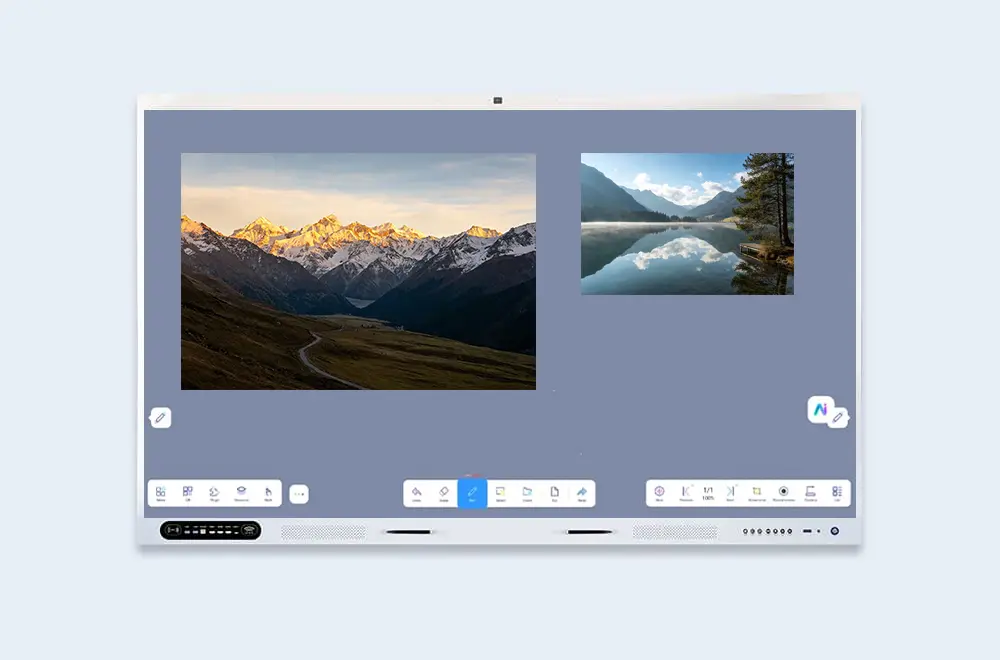
Formats
Broad Image Format Support
Open PNG, JPG, BMP, and GIF documents directly — no conversion needed. UPicture works with the formats you already use.
- Wide format coverage — PNG, JPG, BMP, GIF
- No conversion required — open files as they are
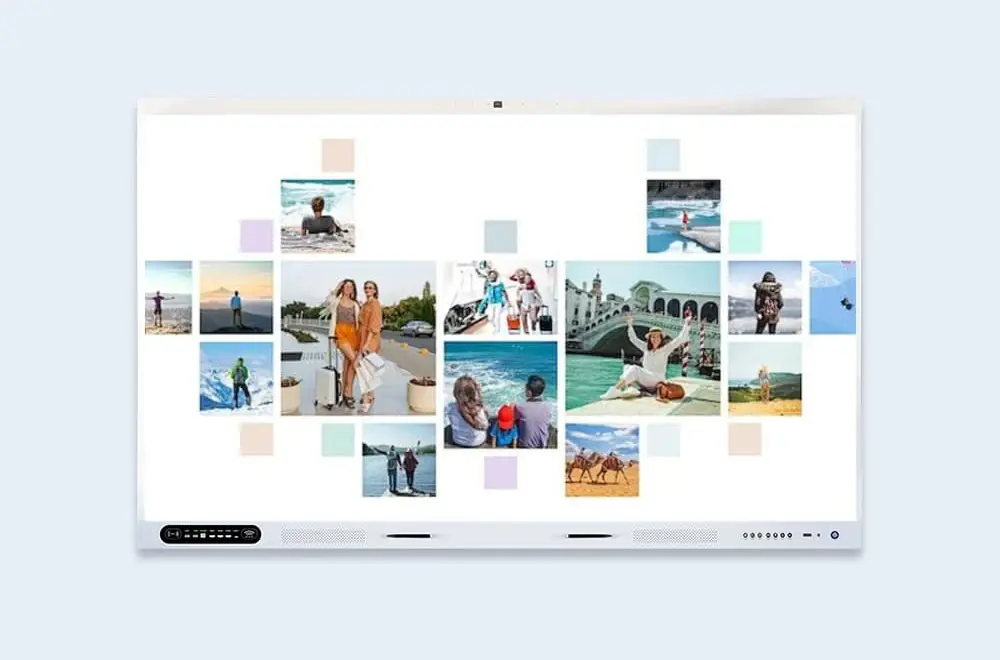
Management
Multi-Page & Thumbnail Management
Manage multi-page documents with a clear thumbnail overview. Navigate large image sets and keep your workspace organized.
- Thumbnail overview — see all pages at a glance
- Quick navigation — jump between pages directly
- Clean, organized layout — focused on your content
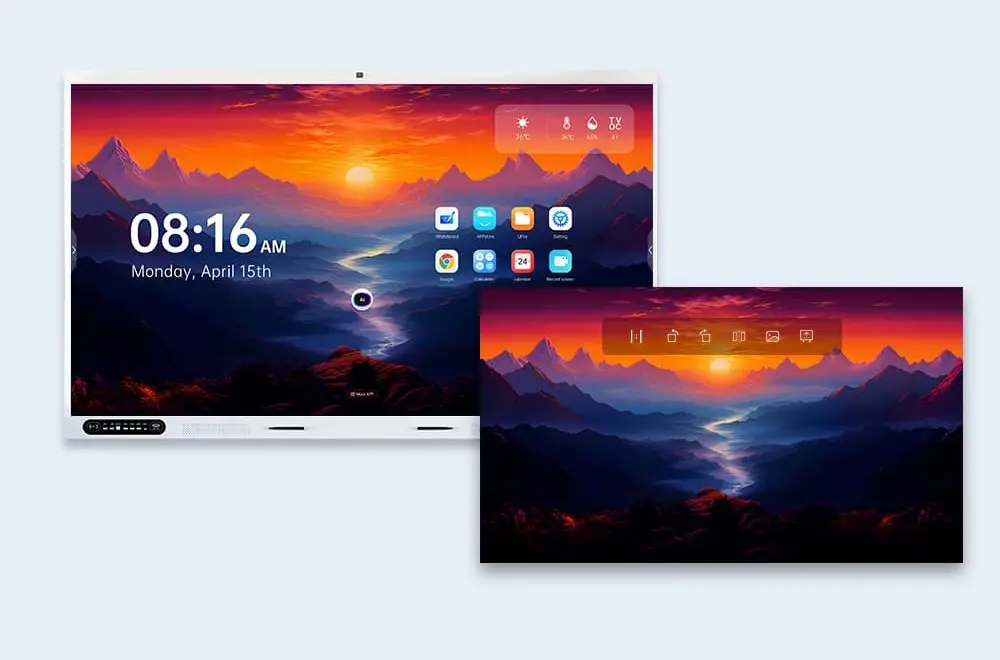
Personalize
Set Images as Wallpaper
Turn images into your display's wallpaper with one tap. Personalize the screen or keep a reference image in view.
- One-tap wallpaper setting — apply directly
- Personalized display — match your brand or classroom